
| 일 | 월 | 화 | 수 | 목 | 금 | 토 |
|---|---|---|---|---|---|---|
| 1 | 2 | 3 | 4 | 5 | 6 | 7 |
| 8 | 9 | 10 | 11 | 12 | 13 | 14 |
| 15 | 16 | 17 | 18 | 19 | 20 | 21 |
| 22 | 23 | 24 | 25 | 26 | 27 | 28 |
- Stream
- mokito
- 싱글톤
- #패스트캠퍼스 #환급챌린지 #패스트캠퍼스후기 #습관형성 #직장인자기계발 #오공완
- orElseGet
- signWith
- 디자인패턴
- Clean Code
- consumer
- git cli
- orelse
- junit5
- Authentication
- Java
- JWT
- effective java
- optional
- 인텔리제이 단축키
- 함수형 프로그래밍
- kafka
- Factory Method Pattern
- SpringBoot
- topic
- 카프카
- producer
- TDD
- Spring Security
- Java8
- 패스트캠퍼스 #환급챌린지 #패스트캠퍼스후기 #습관형성 #직장인자기계발 #오공완
- Functional Programming
- Today
- Total
goodbye
패스트캠퍼스 환급챌린지 44일차 : 테디노트의 RAG 비법노트 강의 후기 본문
본 포스팅은 패스트캠퍼스 환급 챌린지 참여를 위해 작성하였습니다
https://fastcampus.info/4n8ztzq
(~6/20) 50일의 기적 AI 환급반💫 | 패스트캠퍼스
초간단 미션! 하루 20분 공부하고 수강료 전액 환급에 AI 스킬 장착까지!
fastcampus.co.kr
패스트캠퍼스 환급챌린지 44일차!
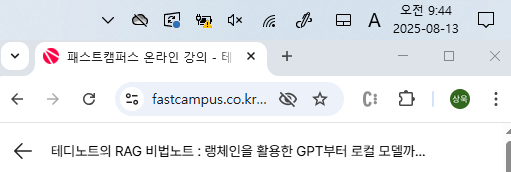
1) 공부 시작 시간 인증
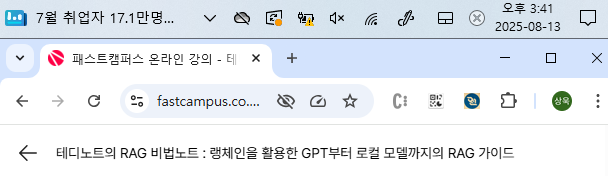
2) 공부 종료 시간 인증
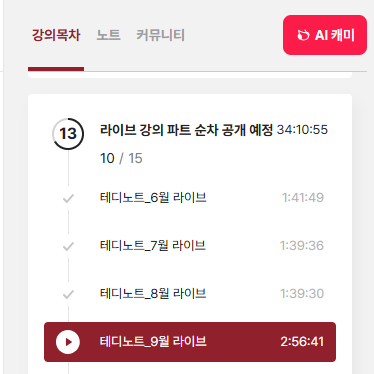
3) 강의 수강 클립 인증
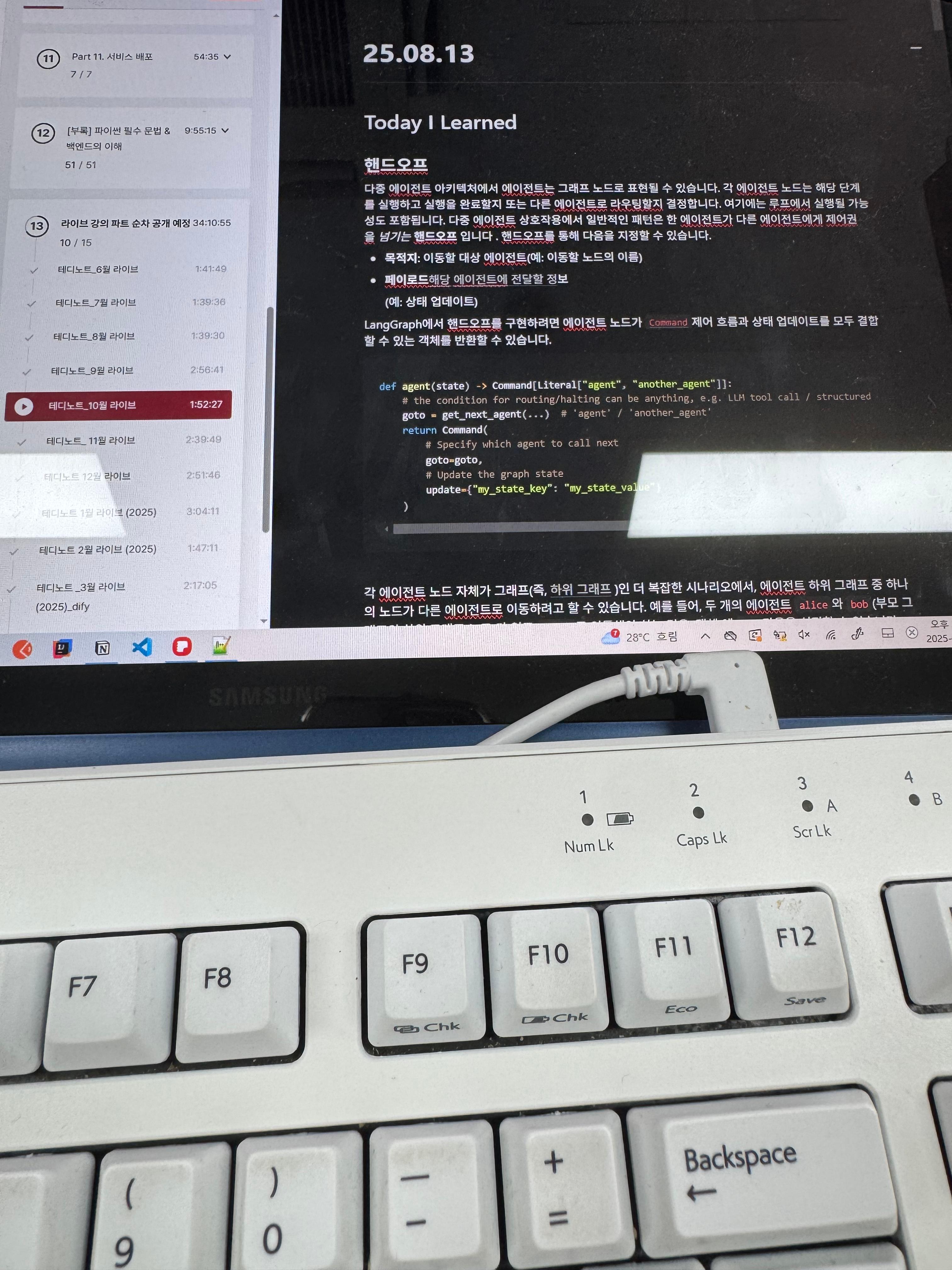
4) 학습 인증샷
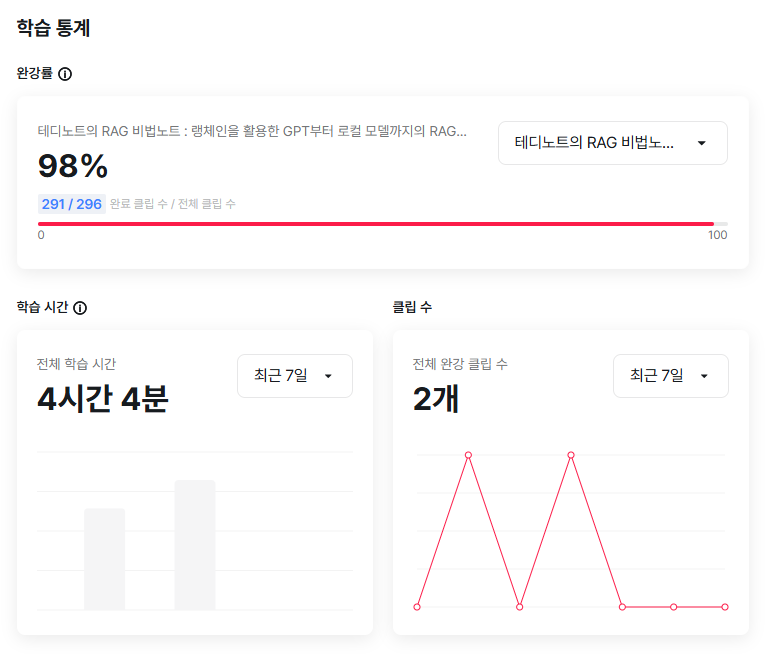
5) 학습통계
Today I Learned
핸드오프
다중 에이전트 아키텍처에서 에이전트는 그래프 노드로 표현될 수 있습니다. 각 에이전트 노드는 해당 단계를 실행하고 실행을 완료할지 또는 다른 에이전트로 라우팅할지 결정합니다. 여기에는 루프에서 실행될 가능성도 포함됩니다. 다중 에이전트 상호작용에서 일반적인 패턴은 한 에이전트가 다른 에이전트에게 제어권을 넘기는 핸드오프 입니다 . 핸드오프를 통해 다음을 지정할 수 있습니다.
- 목적지 : 이동할 대상 에이전트(예: 이동할 노드의 이름)
- 페이로드 : 해당 에이전트에 전달할 정보 (예: 상태 업데이트)
LangGraph에서 핸드오프를 구현하려면 에이전트 노드가 Command 제어 흐름과 상태 업데이트를 모두 결합할 수 있는 객체를 반환할 수 있습니다.
def agent(state) -> Command[Literal["agent", "another_agent"]]:
    # the condition for routing/halting can be anything, e.g. LLM tool call / structured output, etc.
    goto = get_next_agent(...)  # 'agent' / 'another_agent'
    return Command(
        # Specify which agent to call next
        goto=goto,
        # Update the graph state
        update={"my_state_key": "my_state_value"}
    )
각 에이전트 노드 자체가 그래프인 더 복잡한 시나리오에서, 에이전트 하위 그래프 중 하나의 노드가 다른 에이전트로 이동하려고 할 수 있습니다. 예를 들어, 두 개의 에이전트 alice와 bob(부모 그래프의 하위 그래프 노드)가 있고 alice로 이동해야 하는 경우, 객체 에 bob다음을 설정할 수 있습니다 .
def some_node_inside_alice(state):
    return Command(
        goto="bob",
        update={"my_state_key": "my_state_value"},
        # specify which graph to navigate to (defaults to the current graph)
        graph=Command.PARENT,
    )
도구로서의 핸드오프
가장 일반적인 상담원 유형 중 하나는 도구 호출 상담원 입니다 .
이러한 유형의 상담원에게 일반적인 패턴은 핸드오프를 도구 호출로 묶는 것입니다.
from langchain_core.tools import tool

@tool
def transfer_to_bob():
    """Transfer to bob."""
    return Command(
        # name of the agent (node) to go to
        goto="bob",
        # data to send to the agent
        update={"my_state_key": "my_state_value"},
        # indicate to LangGraph that we need to navigate to
        # agent node in a parent graph
        graph=Command.PARENT,
    )
이는 도구에서 그래프 상태를 업데이트하는 특별한 경우로, 상태 업데이트에 더해 제어 흐름도 포함됩니다.
중요한 도구를 사용하려면 미리 작성된 / 구성 요소를 Command사용 하거나 다음과 같이 사용자 정의 논리를 구현하면 됩니다
Network
이 아키텍처에서 에이전트는 그래프 노드로 정의됩니다.
각 에이전트는 다른 모든 에이전트와 통신할 수 있으며(다대다 연결), 다음에 어떤 에이전트를 호출할지 결정할 수 있습니다.
이 아키텍처는 에이전트의 명확한 계층 구조나 에이전트 호출 순서가 정해지지 않은 문제에 적합합니다.
from typing import Literal
from langchain_openai import ChatOpenAI
from langgraph.types import Command
from langgraph.graph import StateGraph, MessagesState, START, END

model = ChatOpenAI()

def agent_1(state: MessagesState) -> Command[Literal["agent_2", "agent_3", END]]:
    # you can pass relevant parts of the state to the LLM (e.g., state["messages"])
    # to determine which agent to call next. a common pattern is to call the model
    # with a structured output (e.g. force it to return an output with a "next_agent" field)
    response = model.invoke(...)
    # route to one of the agents or exit based on the LLM's decision
    # if the LLM returns "__end__", the graph will finish execution
    return Command(
        goto=response["next_agent"],
        update={"messages": [response["content"]]},
    )

def agent_2(state: MessagesState) -> Command[Literal["agent_1", "agent_3", END]]:
    response = model.invoke(...)
    return Command(
        goto=response["next_agent"],
        update={"messages": [response["content"]]},
    )

def agent_3(state: MessagesState) -> Command[Literal["agent_1", "agent_2", END]]:
    ...
    return Command(
        goto=response["next_agent"],
        update={"messages": [response["content"]]},
    )

builder = StateGraph(MessagesState)
builder.add_node(agent_1)
builder.add_node(agent_2)
builder.add_node(agent_3)

builder.add_edge(START, "agent_1")
network = builder.compile()
Supervisor
이 아키텍처에서는 에이전트를 노드로 정의하고, 다음에 어떤 에이전트 노드를 호출할지 결정하는 슈퍼바이저 노드(LLM)를 추가합니다. LLM은 슈퍼바이저의 결정에 따라 적절한 에이전트 노드로 실행 경로를 지정합니다 . 이 아키텍처는 여러 에이전트를 병렬로 실행하거나 맵리듀스Command 패턴을 사용하는 데에도 적합합니다 .
from typing import Literal
from langchain_openai import ChatOpenAI
from langgraph.types import Command
from langgraph.graph import StateGraph, MessagesState, START, END

model = ChatOpenAI()

def supervisor(state: MessagesState) -> Command[Literal["agent_1", "agent_2", END]]:
    # you can pass relevant parts of the state to the LLM (e.g., state["messages"])
    # to determine which agent to call next. a common pattern is to call the model
    # with a structured output (e.g. force it to return an output with a "next_agent" field)
    response = model.invoke(...)
    # route to one of the agents or exit based on the supervisor's decision
    # if the supervisor returns "__end__", the graph will finish execution
    return Command(goto=response["next_agent"])

def agent_1(state: MessagesState) -> Command[Literal["supervisor"]]:
    # you can pass relevant parts of the state to the LLM (e.g., state["messages"])
    # and add any additional logic (different models, custom prompts, structured output, etc.)
    response = model.invoke(...)
    return Command(
        goto="supervisor",
        update={"messages": [response]},
    )

def agent_2(state: MessagesState) -> Command[Literal["supervisor"]]:
    response = model.invoke(...)
    return Command(
        goto="supervisor",
        update={"messages": [response]},
    )

builder = StateGraph(MessagesState)
builder.add_node(supervisor)
builder.add_node(agent_1)
builder.add_node(agent_2)

builder.add_edge(START, "supervisor")

supervisor = builder.compile()
Supervisor (tool-calling)
이 수퍼바이저 아키텍처 변형에서는 하위 에이전트를 호출하는 슈퍼 바이저 에이전트를 정의합니다. 하위 에이전트는 슈퍼바이저에게 도구 형태로 노출되며 슈퍼바이저 에이전트는 다음에 어떤 도구를 호출할지 결정합니다. 슈퍼바이저 에이전트는 LLM 이라는 표준 구현 방식을 따르며 while 루프에서 실행되어 도구를 호출하다가 중지될 때까지 계속됩니다.
from typing import Annotated
from langchain_openai import ChatOpenAI
from langgraph.prebuilt import InjectedState, create_react_agent

model = ChatOpenAI()

# this is the agent function that will be called as tool
# notice that you can pass the state to the tool via InjectedState annotation
def agent_1(state: Annotated[dict, InjectedState]):
    # you can pass relevant parts of the state to the LLM (e.g., state["messages"])
    # and add any additional logic (different models, custom prompts, structured output, etc.)
    response = model.invoke(...)
    # return the LLM response as a string (expected tool response format)
    # this will be automatically turned to ToolMessage
    # by the prebuilt create_react_agent (supervisor)
    return response.content

def agent_2(state: Annotated[dict, InjectedState]):
    response = model.invoke(...)
    return response.content

tools = [agent_1, agent_2]
# the simplest way to build a supervisor w/ tool-calling is to use prebuilt ReAct agent graph
# that consists of a tool-calling LLM node (i.e. supervisor) and a tool-executing node
supervisor = create_react_agent(model, tools)
Hierarchical
시스템에 상담원을 더 많이 추가할수록 관리자가 모든 상담원을 관리하기가 너무 어려워질 수 있습니다. 관리자가 다음에 어떤 상담원에게 연락할지에 대한 잘못된 결정을 내리거나, 상황이 너무 복잡해져서 한 명의 관리자가 관리하기 어려워질 수도 있습니다. 다시 말해, 애초에 다중 상담원 아키텍처를 도입하게 된 원인과 동일한 문제에 직면하게 됩니다.
이 문제를 해결하려면 시스템을 계층적으로 설계할 수 있습니다 . 예를 들어, 개별 관리자가 관리하는 별도의 전문 상담원 팀을 만들고, 팀을 관리하는 최상위 관리자를 지정할 수 있습니다.
'Lecture > 패스트캠퍼스' 카테고리의 다른 글
| 패스트캠퍼스 환급챌린지 46일차 : 테디노트의 RAG 비법노트 강의 후기 (4) | 2025.08.15 |
|---|---|
| 패스트캠퍼스 환급챌린지 45일차 : 테디노트의 RAG 비법노트 강의 후기 (4) | 2025.08.14 |
| 패스트캠퍼스 환급챌린지 43일차 : 테디노트의 RAG 비법노트 강의 후기 (6) | 2025.08.12 |
| 패스트캠퍼스 환급챌린지 42일차 : 테디노트의 RAG 비법노트 강의 후기 (3) | 2025.08.11 |
| 패스트캠퍼스 환급챌린지 41일차 : 테디노트의 RAG 비법노트 강의 후기 (4) | 2025.08.10 |


