
| 일 | 월 | 화 | 수 | 목 | 금 | 토 |
|---|---|---|---|---|---|---|
| 1 | 2 | 3 | 4 | 5 | 6 | 7 |
| 8 | 9 | 10 | 11 | 12 | 13 | 14 |
| 15 | 16 | 17 | 18 | 19 | 20 | 21 |
| 22 | 23 | 24 | 25 | 26 | 27 | 28 |
- producer
- orElseGet
- topic
- #패스트캠퍼스 #환급챌린지 #패스트캠퍼스후기 #습관형성 #직장인자기계발 #오공완
- Clean Code
- consumer
- 패스트캠퍼스 #환급챌린지 #패스트캠퍼스후기 #습관형성 #직장인자기계발 #오공완
- Authentication
- JWT
- Java8
- Spring Security
- 카프카
- effective java
- kafka
- 함수형 프로그래밍
- 디자인패턴
- Java
- SpringBoot
- orelse
- optional
- Functional Programming
- mokito
- Factory Method Pattern
- TDD
- signWith
- Stream
- junit5
- 싱글톤
- git cli
- 인텔리제이 단축키
- Today
- Total
goodbye
패스트캠퍼스 환급챌린지 48일차 : 테디노트의 RAG 비법노트 강의 후기 본문
본 포스팅은 패스트캠퍼스 환급 챌린지 참여를 위해 작성하였습니다
https://fastcampus.info/4n8ztzq
(~6/20) 50일의 기적 AI 환급반💫 | 패스트캠퍼스
초간단 미션! 하루 20분 공부하고 수강료 전액 환급에 AI 스킬 장착까지!
fastcampus.co.kr
패스트캠퍼스 환급챌린지 48일차!
1) 공부 시작 시간 인증
2) 공부 종료 시간 인증

3) 강의 수강 클립 인증

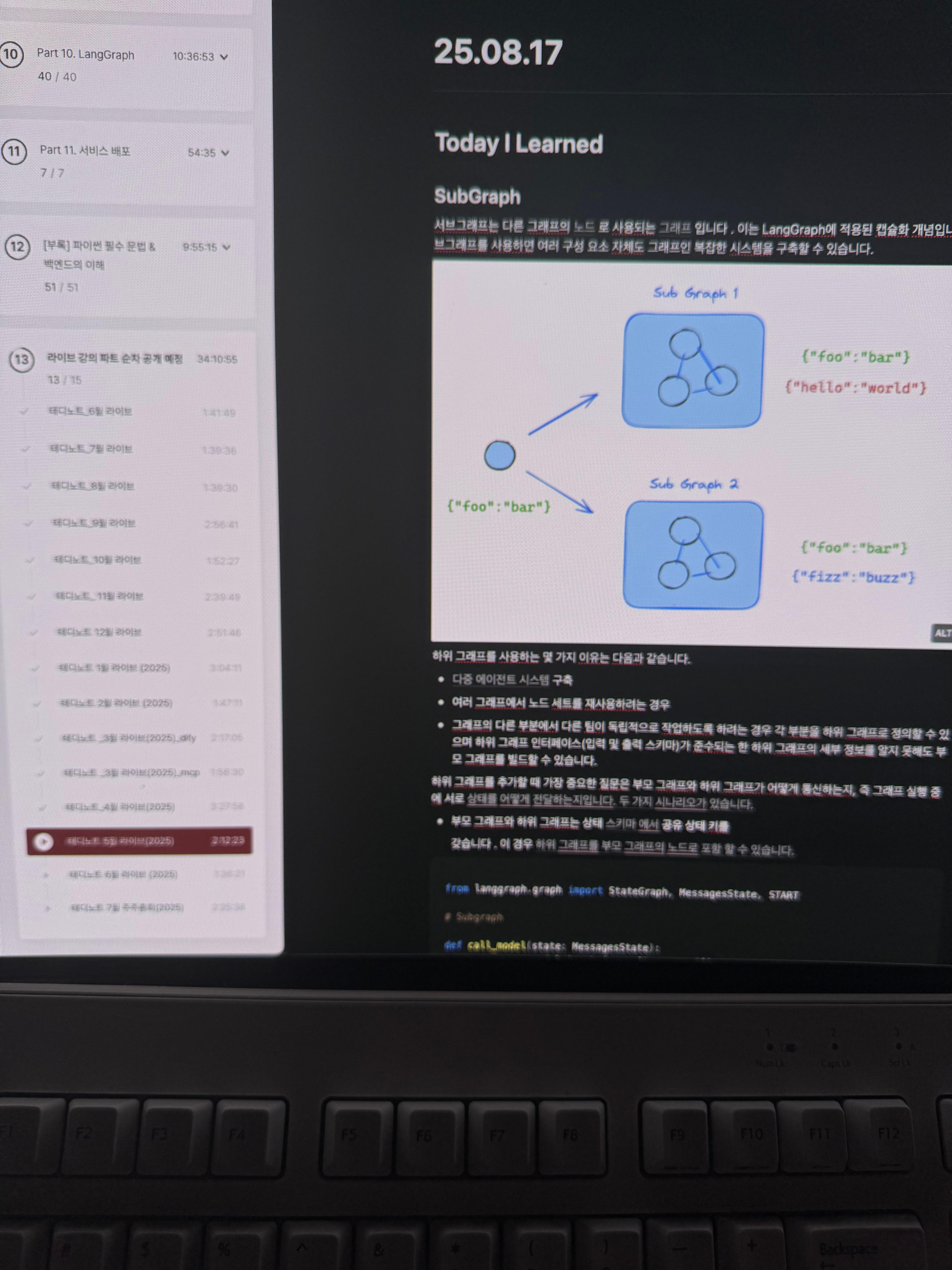
4) 학습 인증샷
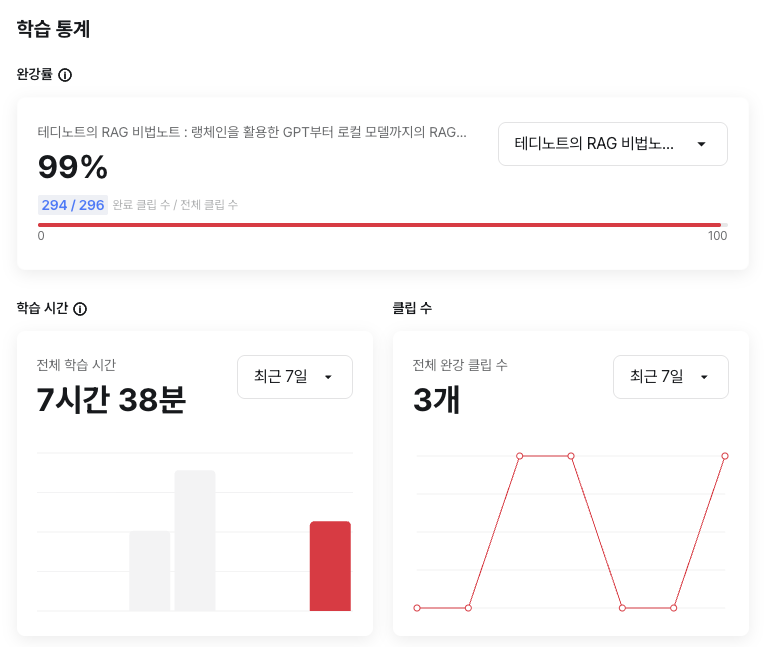
5) 학습통계
Today I Learned
SubGraph
서브그래프는 다른 그래프의 노드 로 사용되는 그래프 입니다 . 이는 LangGraph에 적용된 캡슐화 개념입니다. 서브그래프를 사용하면 여러 구성 요소 자체도 그래프인 복잡한 시스템을 구축할 수 있습니다.

하위 그래프를 사용하는 몇 가지 이유는 다음과 같습니다.
- 다중 에이전트 시스템 구축
- 여러 그래프에서 노드 세트를 재사용하려는 경우
- 그래프의 다른 부분에서 다른 팀이 독립적으로 작업하도록 하려는 경우 각 부분을 하위 그래프로 정의할 수 있으며 하위 그래프 인터페이스(입력 및 출력 스키마)가 준수되는 한 하위 그래프의 세부 정보를 알지 못해도 부모 그래프를 빌드할 수 있습니다.
하위 그래프를 추가할 때 가장 중요한 질문은 부모 그래프와 하위 그래프가 어떻게 통신하는지, 즉 그래프 실행 중에 서로 상태를 어떻게 전달하는지입니다. 두 가지 시나리오가 있습니다.
- 부모 그래프와 하위 그래프는 상태 스키마 에서 공유 상태 키를
- 갖습니다 . 이 경우 하위 그래프를 부모 그래프의 노드로 포함 할 수 있습니다.
from langgraph.graph import StateGraph, MessagesState, START

# Subgraph

def call_model(state: MessagesState):
    response = model.invoke(state["messages"])
    return {"messages": response}

subgraph_builder = StateGraph(State)
subgraph_builder.add_node(call_model)
...
subgraph = subgraph_builder.compile()

# Parent graph

builder = StateGraph(State)
builder.add_node("subgraph_node", subgraph)
builder.add_edge(START, "subgraph_node")
graph = builder.compile()
...
graph.invoke({"messages": [{"role": "user", "content": "hi!"}]})
- 부모 그래프와 하위 그래프는 서로 다른 스키마를스키마부모 그래프의 노드 내부에서 하위 그래프를 호출에 공유 상태 키가 없음 ). 이 경우
- 해야 합니다 . 이는 부모 그래프와 하위 그래프의 상태 스키마가 서로 다르고 하위 그래프를 호출하기 전이나 호출한 후에 상태를 변환해야 할 때 유용합니다.
- 갖습니다 (상태
from typing_extensions import TypedDict, Annotated
from langchain_core.messages import AnyMessage
from langgraph.graph import StateGraph, MessagesState, START
from langgraph.graph.message import add_messages

class SubgraphMessagesState(TypedDict):
    subgraph_messages: Annotated[list[AnyMessage], add_messages]

# Subgraph

def call_model(state: SubgraphMessagesState):
    response = model.invoke(state["subgraph_messages"])
    return {"subgraph_messages": response}

subgraph_builder = StateGraph(SubgraphMessagesState)
subgraph_builder.add_node("call_model_from_subgraph", call_model)
subgraph_builder.add_edge(START, "call_model_from_subgraph")
...
subgraph = subgraph_builder.compile()

# Parent graph

def call_subgraph(state: MessagesState):
    response = subgraph.invoke({"subgraph_messages": state["messages"]})
    return {"messages": response["subgraph_messages"]}

builder = StateGraph(State)
builder.add_node("subgraph_node", call_subgraph)
builder.add_edge(START, "subgraph_node")
graph = builder.compile()
...
graph.invoke({"messages": [{"role": "user", "content": "hi!"}]})
Use subgraphs
아래에서는 서브그래프 사용 방법을 설명합니다 . 서브그래프는 일반적으로 다중 에이전트 시스템을 구축하는 데 사용됩니다.
하위 그래프를 추가할 때 부모 그래프와 하위 그래프가 통신하는 방식을 정의해야 합니다.
- 공유 상태 스키마 : 부모 그래프와 하위 그래프는 상태 스키마에 공유 상태 키를 갖습니다.
- 다른 상태 스키마 : 부모 및 하위 그래프 스키마 에 공유 상태 상태 키가 없음
설정
pip install -U langgraph
LangGraph 개발을 위해 LangSmith 설정
LangSmith 에 가입하여 LangGraph 프로젝트의 문제를 신속하게 파악하고 성능을 향상시키세요. LangSmith를 사용하면 추적 데이터를 사용하여 LangGraph로 빌드된 LLM 앱을 디버깅, 테스트 및 모니터링할 수 있습니다.
공유 상태 스키마
일반적인 경우는 부모 그래프와 하위 그래프가 스키마 내의 공유 상태 키(채널)를 통해 통신하는 것입니다 . 예를 들어, 다중 에이전트 시스템에서는 에이전트들이 공유 메시지 키를 통해 통신하는 경우가 많습니다.
하위 그래프가 부모 그래프와 상태 키를 공유하는 경우 다음 단계에 따라 그래프에 추가할 수 있습니다.
- 하위 그래프 워크플로( subgraph_builder아래 예 참조)를 정의하고 컴파일합니다.
- .add_node : 부모 그래프 워크플로를 정의할 때 컴파일된 하위 그래프를 메서드에 전달합니다.
from typing_extensions import TypedDict
from langgraph.graph.state import StateGraph, START

class State(TypedDict):
    foo: str

# Subgraph

def subgraph_node_1(state: State):
    return {"foo": "hi! " + state["foo"]}

subgraph_builder = StateGraph(State)
subgraph_builder.add_node(subgraph_node_1)
subgraph_builder.add_edge(START, "subgraph_node_1")
subgraph = subgraph_builder.compile()

# Parent graph

builder = StateGraph(State)
builder.add_node("node_1", subgraph)
builder.add_edge(START, "node_1")
graph = builder.compile()
전체 공유 상태 스키마
from typing_extensions import TypedDict
from langgraph.graph.state import StateGraph, START

# Define subgraph
class SubgraphState(TypedDict):
    foo: str
    bar: str

def subgraph_node_1(state: SubgraphState):
    return {"bar": "bar"}

def subgraph_node_2(state: SubgraphState):
    # note that this node is using a state key ('bar') that is only available in the subgraph
    # and is sending update on the shared state key ('foo')
    return {"foo": state["foo"] + state["bar"]}

subgraph_builder = StateGraph(SubgraphState)
subgraph_builder.add_node(subgraph_node_1)
subgraph_builder.add_node(subgraph_node_2)
subgraph_builder.add_edge(START, "subgraph_node_1")
subgraph_builder.add_edge("subgraph_node_1", "subgraph_node_2")
subgraph = subgraph_builder.compile()

# Define parent graph
class ParentState(TypedDict):
    foo: str

def node_1(state: ParentState):
    return {"foo": "hi! " + state["foo"]}

builder = StateGraph(ParentState)
builder.add_node("node_1", node_1)
builder.add_node("node_2", subgraph)
builder.add_edge(START, "node_1")
builder.add_edge("node_1", "node_2")
graph = builder.compile()

for chunk in graph.stream({"foo": "foo"}):
    print(chunk)

{'node_1': {'foo': 'hi! foo'}}
{'node_2': {'foo': 'hi! foobar'}}
스트림 서브그래프 출력
스트리밍 출력에 하위 그래프의 출력을 포함하려면 부모 그래프의 stream 메서드에서 subgraphs 옵션을 설정하면 됩니다. 이렇게 하면 부모 그래프와 모든 하위 그래프의 출력이 모두 스트리밍됩니다.
for chunk in graph.stream(
    {"foo": "foo"},
    subgraphs=True,
    stream_mode="updates",
):
    print(chunk)
하위 그래프에서 스트리밍
# 하위 그래프에서 스트리밍
from typing_extensions import TypedDict
from langgraph.graph.state import StateGraph, START

# Define subgraph
class SubgraphState(TypedDict):
    foo: str
    bar: str

def subgraph_node_1(state: SubgraphState):
    return {"bar": "bar"}

def subgraph_node_2(state: SubgraphState):
    # note that this node is using a state key ('bar') that is only available in the subgraph
    # and is sending update on the shared state key ('foo')
    return {"foo": state["foo"] + state["bar"]}

subgraph_builder = StateGraph(SubgraphState)
subgraph_builder.add_node(subgraph_node_1)
subgraph_builder.add_node(subgraph_node_2)
subgraph_builder.add_edge(START, "subgraph_node_1")
subgraph_builder.add_edge("subgraph_node_1", "subgraph_node_2")
subgraph = subgraph_builder.compile()

# Define parent graph
class ParentState(TypedDict):
    foo: str

def node_1(state: ParentState):
    return {"foo": "hi! " + state["foo"]}

builder = StateGraph(ParentState)
builder.add_node("node_1", node_1)
builder.add_node("node_2", subgraph)
builder.add_edge(START, "node_1")
builder.add_edge("node_1", "node_2")
graph = builder.compile()

for chunk in graph.stream(
    {"foo": "foo"},
    stream_mode="updates",
    subgraphs=True,
):
    print(chunk)

((), {'node_1': {'foo': 'hi! foo'}})
(('node_2:e58e5673-a661-ebb0-70d4-e298a7fc28b7',), {'subgraph_node_1': {'bar': 'bar'}})
(('node_2:e58e5673-a661-ebb0-70d4-e298a7fc28b7',), {'subgraph_node_2': {'foo': 'hi! foobar'}})
((), {'node_2': {'foo': 'hi! foobar'}})